📜 Order History & Help
🔹 Accessing Order History
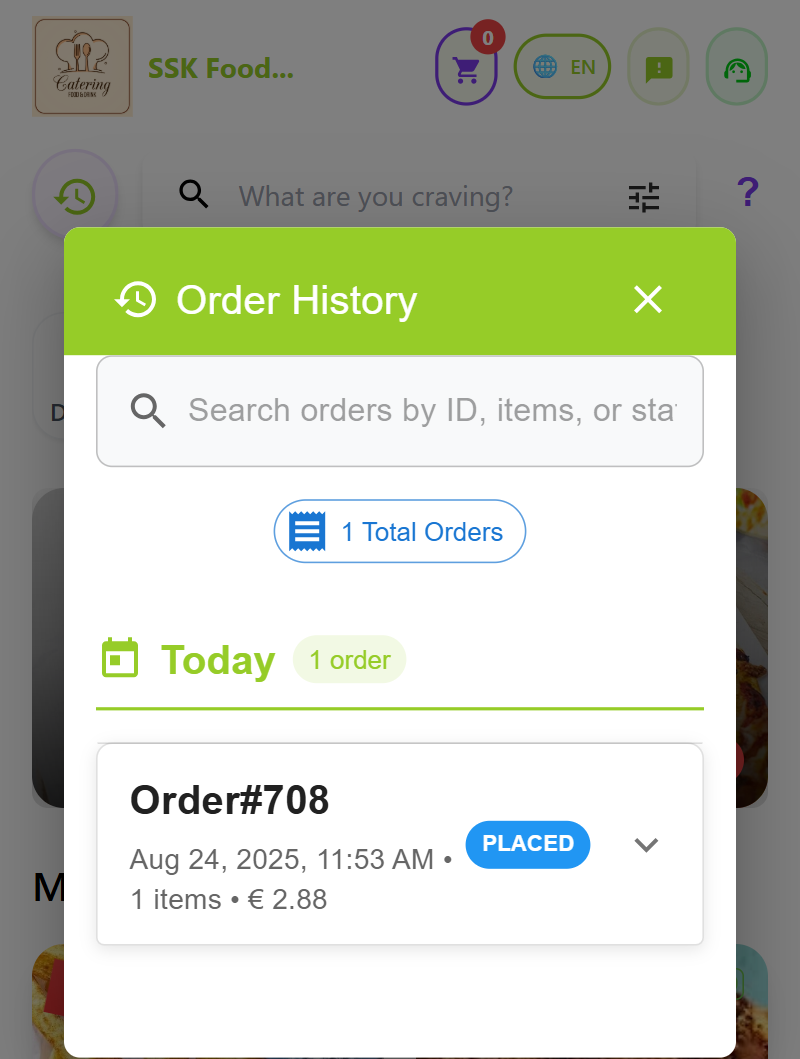
- The Order History Icon is located just before the Search Bar in the app.
- Tap the icon to open your Order History Page, where you can:
- View all past orders.
- See detailed order summaries, including items, customizations, order type, and status.
- Quickly re-order any previous items.
🔹 Accessing Help Documentation
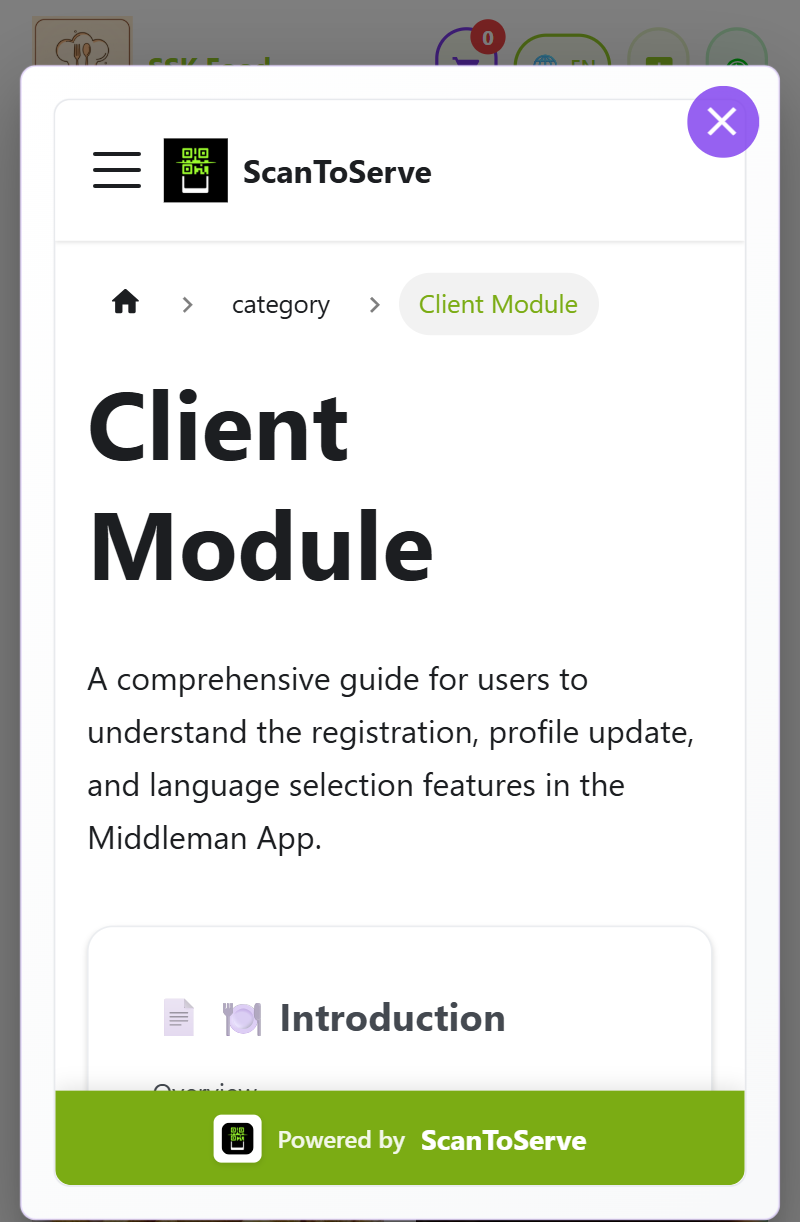
- After the Search Bar, you will find a ? (Help) Icon.
- Tap the icon to open the Help Documentation, which includes:
- How to browse the menu.
- How to customize and add items to cart.
- How to place orders and track them live.
- How to request assistance or submit feedback.
- The Help section is designed to guide users step-by-step through the Order Management App.
📞 Contact Support
For any additional help, reach out to our support team:
- 📧 Email: support@scantoserve.online
- 📞 Phone: +353 894594949 — Available Monday to Friday, 9 AM to 6 PM (GMT).
ScanToServe makes it easy to track your past orders and access help whenever needed!